How to Get More Google Reviews in India: WhatsApp and QR Code System Without Policy Violations
Build a fair Google review request system using WhatsApp, email, receipts and QR codes without incentives, review gating or scripted customer feedback.
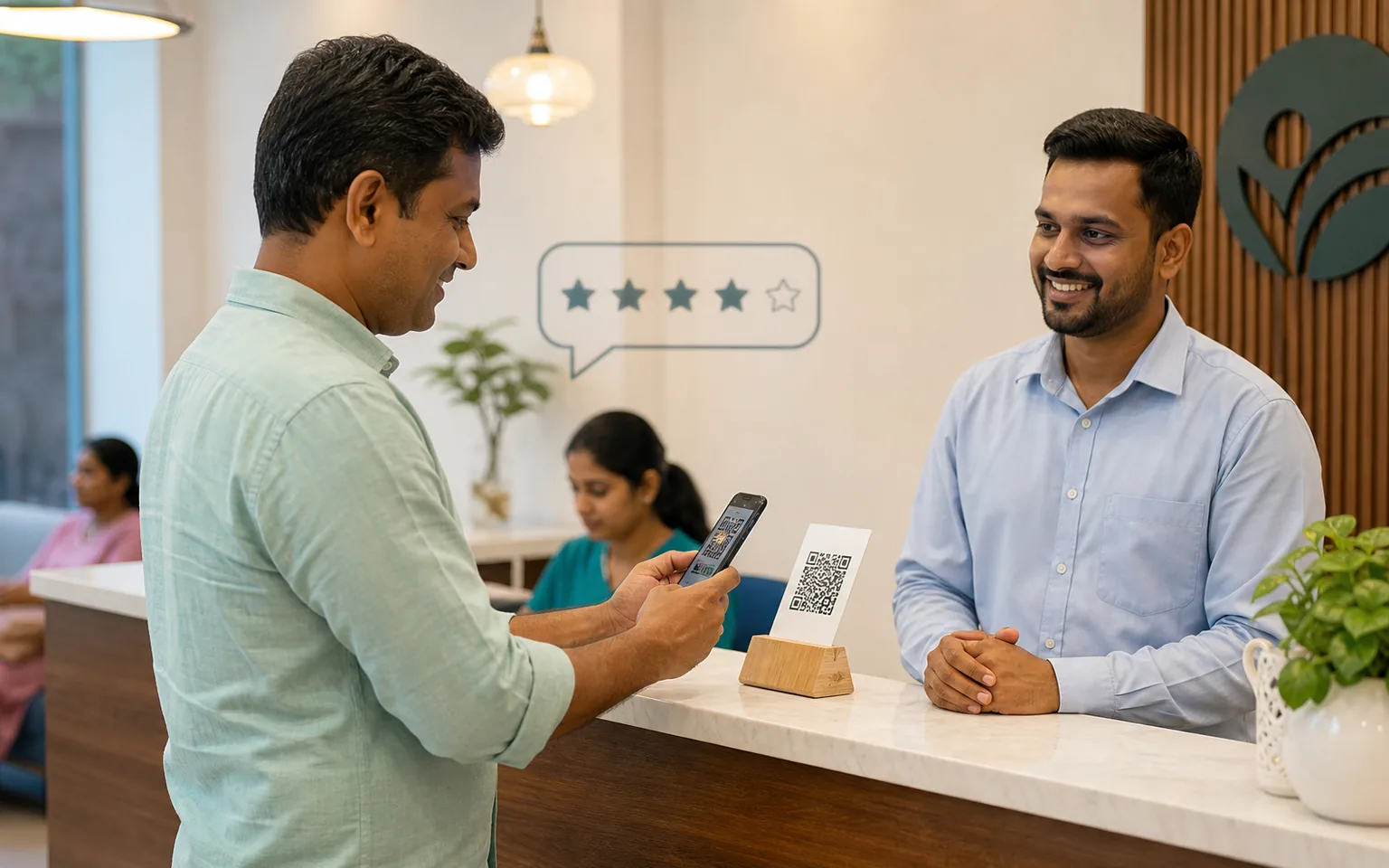
Google reviews can help a potential customer understand how a business communicates, delivers and resolves problems. They can also help the business identify recurring service issues. The sustainable way to earn more reviews is not to buy them or ask only visibly happy customers. It is to make a neutral request part of the normal customer journey and give every genuine customer a simple choice.
This guide explains how an Indian local business can use a direct Google review link, QR code, WhatsApp, email and staff procedures without incentives or review gating. It does not promise a ranking improvement or prescribe a “perfect” review count. Review quality, recency and volume should reflect real customer activity.
Understand what Google permits
Google's Maps user-contributed content policy, checked on 24 August 2026, says reviews should reflect genuine experiences. It prohibits fake engagement, incentives for reviews, selectively soliciting positive reviews and asking people to include specific content. These rules apply whether the request is made in person, by WhatsApp, through email or using software.
That means a business should not:
offer cash, cashback, gifts, discounts, contest entry or another benefit in exchange for a review;
ask “Were you happy?” and send the Google link only to people who choose yes;
ask staff, family or suppliers to pose as customers;
request a five-star rating or pressure a customer to change criticism;
tell reviewers to mention a city, service or keyword;
use a device controlled by the business to submit multiple customer reviews;
make review submission a condition for support, warranty or a normal benefit.
A fair system asks genuine customers consistently, uses neutral language and accepts that the resulting feedback may be positive, mixed or negative.
Create the official review link and QR code
Google's Business Profile review-link and QR-code guidance explains how an eligible business can create a direct request link and, on desktop, download a QR code. Google suggests sharing the request through appropriate channels such as receipts, thank-you emails, chat interactions and in-store displays.
Sign in with an account that manages the verified Business Profile.
Open the profile controls through Google Search or Maps.
Choose the option to request reviews and copy the provided link.
Download the QR code where the option is available.
Test both on a phone while signed out of the manager account.
Store the official link in the CRM or approved template library so staff do not create inconsistent URLs.
Do not place a QR code without context. State the business name, explain that feedback is optional and ensure the code opens the correct profile. Re-test after a major profile change.
Choose the right moment to ask
The best trigger is a completed customer interaction that the business can verify: delivery accepted, service visit completed, course milestone reached, project handover acknowledged or support case closed. The request should not depend on whether the customer expressed praise.
A request sent too early may reach someone who has not experienced the service. A request sent repeatedly can feel like pressure. Define one primary trigger, one owner and a suppression rule. If the customer has already reviewed, opted out or has an unresolved issue, do not continue an automated sequence. Resolve the issue because it needs resolution, not as a condition for changing the review.
Use neutral, human review-request language
A good request identifies the business, references the genuine interaction and invites honest feedback without suggesting a rating. Keep it short enough to understand on a phone.
WhatsApp request
Template: Thank you for choosing [Business Name] for [service/order]. If you would like to share your honest experience, you can leave a Google review here: [review link]. Your feedback is optional and helps us understand what worked and what we should improve.
Email request
Subject: Share feedback about your experience with [Business Name]
Message: Thank you for working with us on [service/project]. We welcome honest feedback about your experience. If you choose to leave a Google review, please use this link: [review link]. There is no obligation, and feedback of every kind helps our team improve.
Invoice or receipt request
Text: Your feedback is welcome. Scan this QR code to share an optional Google review about your genuine experience with [Business Name].
In-person request
Script: If you would like to share feedback about today's service, our Google review link is on the receipt. Honest feedback is welcome, but there is no obligation.
Do not add “please give five stars,” “mention our service in Patna” or similar wording. The review should belong to the customer.
Build the request into a simple workflow
Completion event: an authorized employee marks the actual service or order complete.
Eligibility check: confirm the person is a genuine customer, has not already received the request and can be contacted through the selected channel.
Neutral request: send the approved wording with the official link.
Suppression: record that the request was sent and prevent repeated messages.
Response monitoring: monitor reviews through the Business Profile without attempting to identify anonymous reviewers improperly.
Service learning: tag recurring operational themes for the relevant team.
A CRM can store completion, contact preference and request status without collecting the text of every review. Tyon's SEO services can connect review operations with wider local search work, while WhatsApp automation services can help enforce approved triggers and stop conditions.
Use WhatsApp carefully
The WhatsApp Business Messaging Policy requires the person's phone number and opt-in and distinguishes business-initiated templates from replies within the customer-service window. A prior transaction does not automatically permit unlimited WhatsApp marketing. Check the current policy, template category and consent basis before automating a review request.
Keep the message connected to a genuine completed interaction. Identify the business, include an easy stop path for non-essential communication and do not follow up repeatedly when the person does not review. If a customer replies with a complaint, route it to support rather than asking again for a review.
Create a staff SOP that prevents review gating
Technology cannot make the process fair if employees are rewarded only for positive ratings. Create a short written procedure:
which completed interactions qualify for the same neutral request;
who may send it and through which approved channels;
the exact templates and official review link;
how the system prevents duplicate requests;
how an opt-out or complaint is handled;
who replies publicly on behalf of the business;
which conduct is prohibited, including incentives and selective asking;
how suspected fake or abusive content is escalated.
Audit a sample of requests periodically. Check whether employees are skipping unhappy customers, adding rating language or sending through personal accounts. Correct the process rather than chasing a target at any cost.
Reply to reviews professionally
A reply is visible to future customers, so it should demonstrate attention without exposing private information. Google's guidance on reading and replying to reviews explains that verified businesses can respond publicly and that reviewers are notified of a reply.
Positive review reply
Thank the reviewer, refer only to details they made public and keep the reply specific but brief. Avoid inserting unrelated keywords or asking for another action in every response.
Critical review reply
Acknowledge the concern, avoid arguing about facts in public and invite the person to a private support channel. Do not reveal order, treatment, account or payment details. Investigate internally and correct a real issue even if the public review remains unchanged.
Review you cannot identify
State that the team wants to investigate but cannot locate the interaction from the public information. Offer an official contact path. Do not accuse the reviewer of fraud without evidence.
What to do when a review is missing or violates policy
Reviews may be delayed or removed by automated moderation. Do not ask the customer to post the same text repeatedly. Confirm that the profile is active, wait for processing and use official support routes where appropriate.
If content appears fake, irrelevant, abusive or otherwise prohibited, flag it through the Business Profile or Maps process and select the most accurate policy reason. A negative opinion about a genuine experience is not automatically a policy violation. Keep records of the report and focus on a factual public reply while Google reviews it.
Measure the system without manipulating it
Google's local ranking guidance notes that reviews can contribute to prominence, but Google does not provide a formula or promise that a certain count will produce a position. Measure operational quality instead of chasing a universal benchmark:
completed customer interactions eligible for a request;
requests sent through each approved channel;
duplicate, failed and opt-out events;
new genuine reviews and overall rating trend without staff pressure;
median public response time;
recurring service themes assigned to an owner;
changes made because of credible feedback.
Do not attribute every local ranking change to reviews. Relevance, distance, prominence, competition, website quality and profile completeness also affect visibility. The local SEO guide for Indian service businesses explains this wider system.
A seven-day setup plan
Day 1: review Google's current review and messaging policies.
Day 2: create and test the official link and QR code.
Day 3: define the genuine completion trigger and suppression rules.
Day 4: approve neutral templates for WhatsApp, email, receipt and in-person use.
Day 5: train employees on incentives, review gating, privacy and complaint handling.
Day 6: connect request status to the CRM or operating system and test duplicate prevention.
Day 7: launch with a small batch and review every message for policy and tone.
The local SEO pricing guide can help scope ongoing profile, content, review-response and reporting work without treating reviews as a one-time campaign.
Frequently asked questions
Can a business offer a discount for an honest review?
No. An incentive can influence participation and violates Google's fake-engagement policy even if the business says the review may be honest.
Can staff ask only customers who seemed satisfied?
No. That is selective solicitation of positive reviews, commonly called review gating. Use a consistent trigger that does not depend on predicted sentiment.
Can the business ask reviewers to mention a service and city?
No. Do not prescribe content. The customer should describe the experience in their own words.
Should every customer receive several reminders?
No. One clear request may be sufficient. If a reminder is used, keep it limited, optional and compliant with the channel permission. Stop after opt-out or when a review is known to have been submitted.
Can a negative review be removed because the business disagrees?
Not merely because it is negative. Flag reviews that violate a specific Google policy. For genuine criticism, respond professionally and investigate the service issue.
Policy note: Google and WhatsApp policies linked in this article were checked on 24 August 2026 and can change. This article is general operational guidance, not legal advice or a ranking guarantee. To audit a local review workflow and its wider search foundation, contact Tyon Technologies.
Topic hub
Explore the Digital Marketing cluster
Move between the main service, focused solutions, practical articles, and pricing guides without searching the full website.